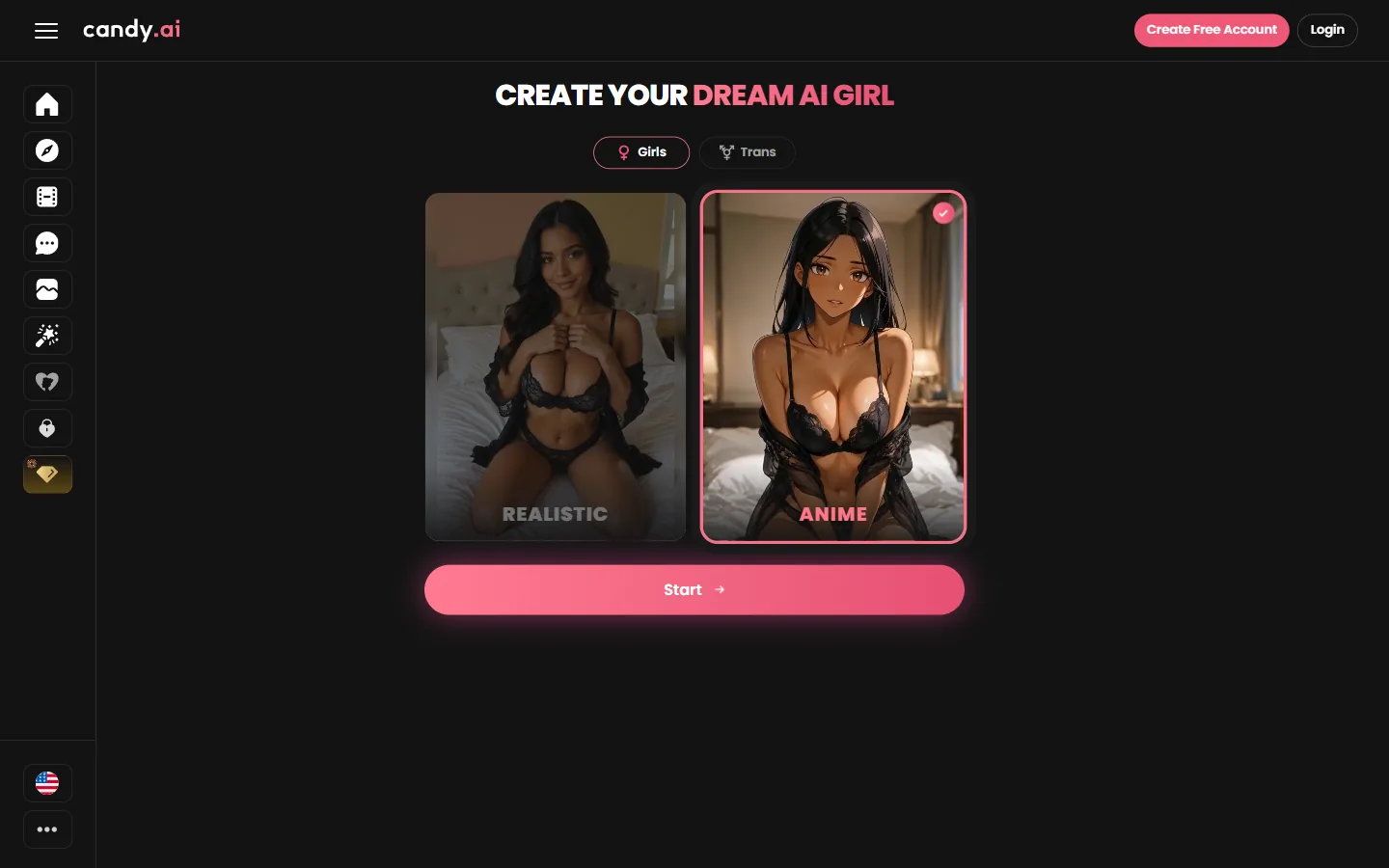
Candy's Create Character flow takes about four minutes. We went through it in anime mode and got Ashley Williams, a curvy 21 year old with black curly hair.
Choose Anime on the style screen, then ethnicity, hair and eyes, body, name and age. Candy shows a summary and asks you to sign up; bringing her to life costs 10 tokens and creating characters is part of Premium.
Open Create Character, keep Girls selected and click the anime card instead of realistic, then Start.
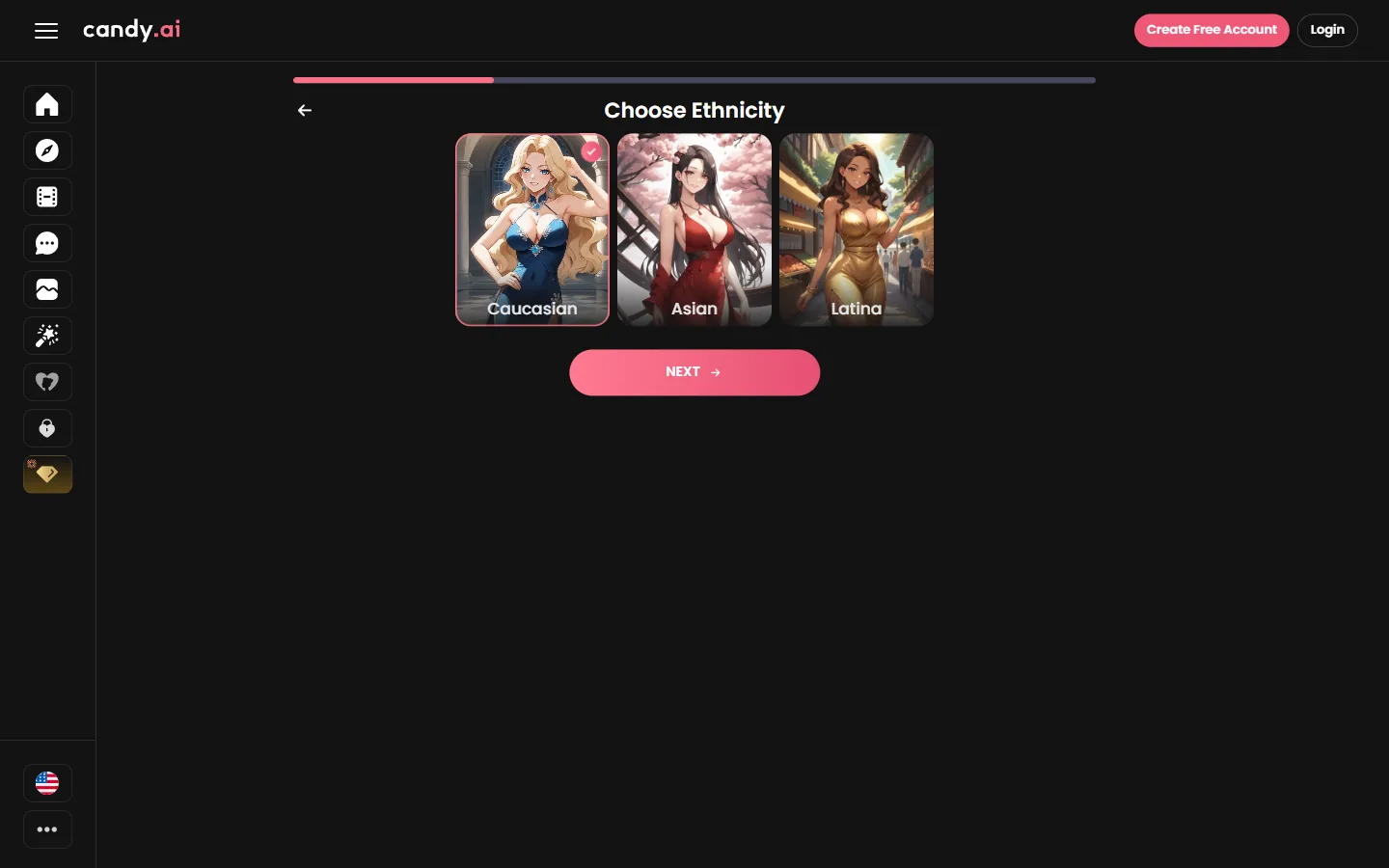
Candy offers Caucasian, Asian and Latina in anime style. The portraits show exactly how each one will be drawn.
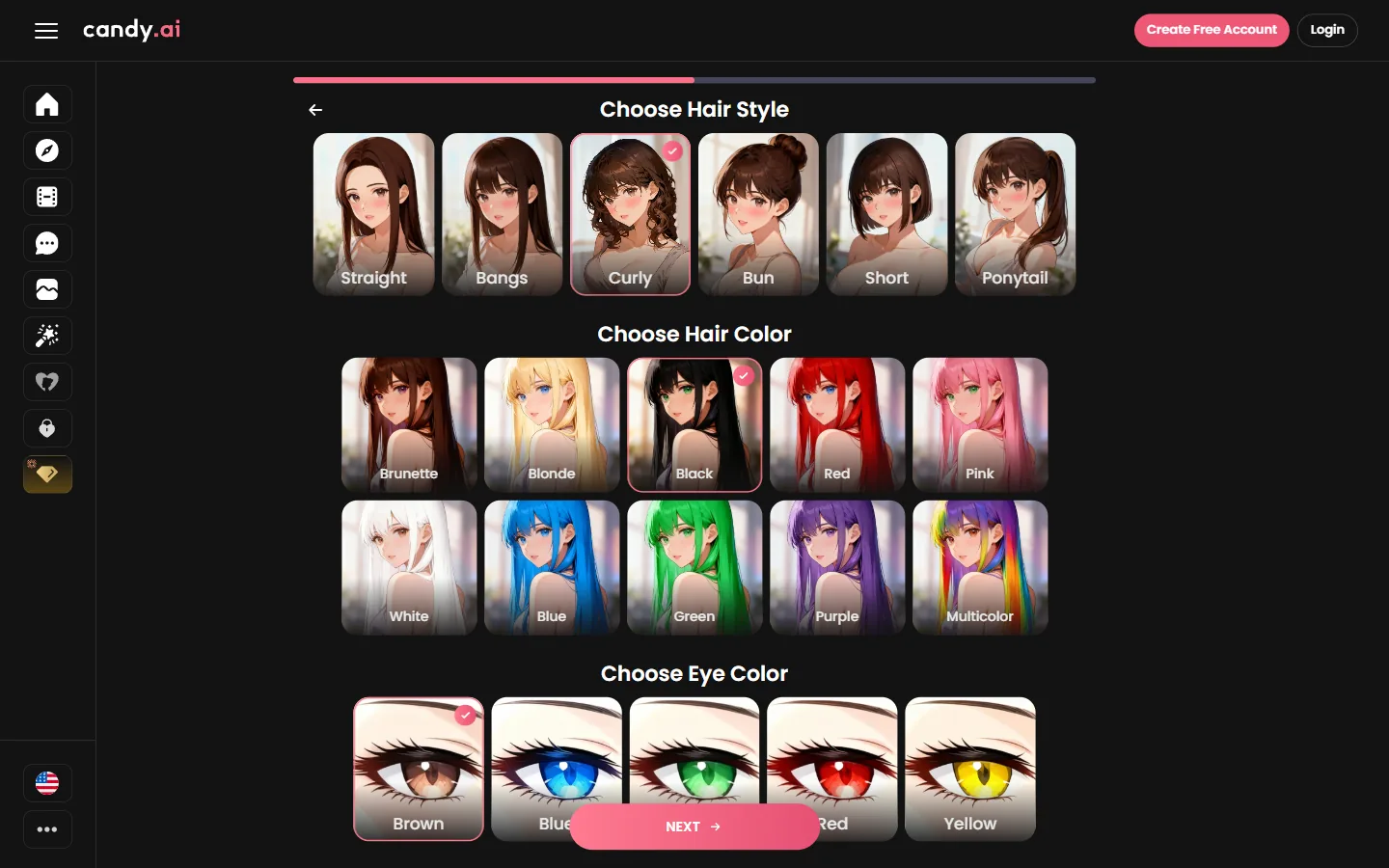
Six hair styles from straight to ponytail, ten hair colors including pink, white and blue, and five eye colors including red and yellow.
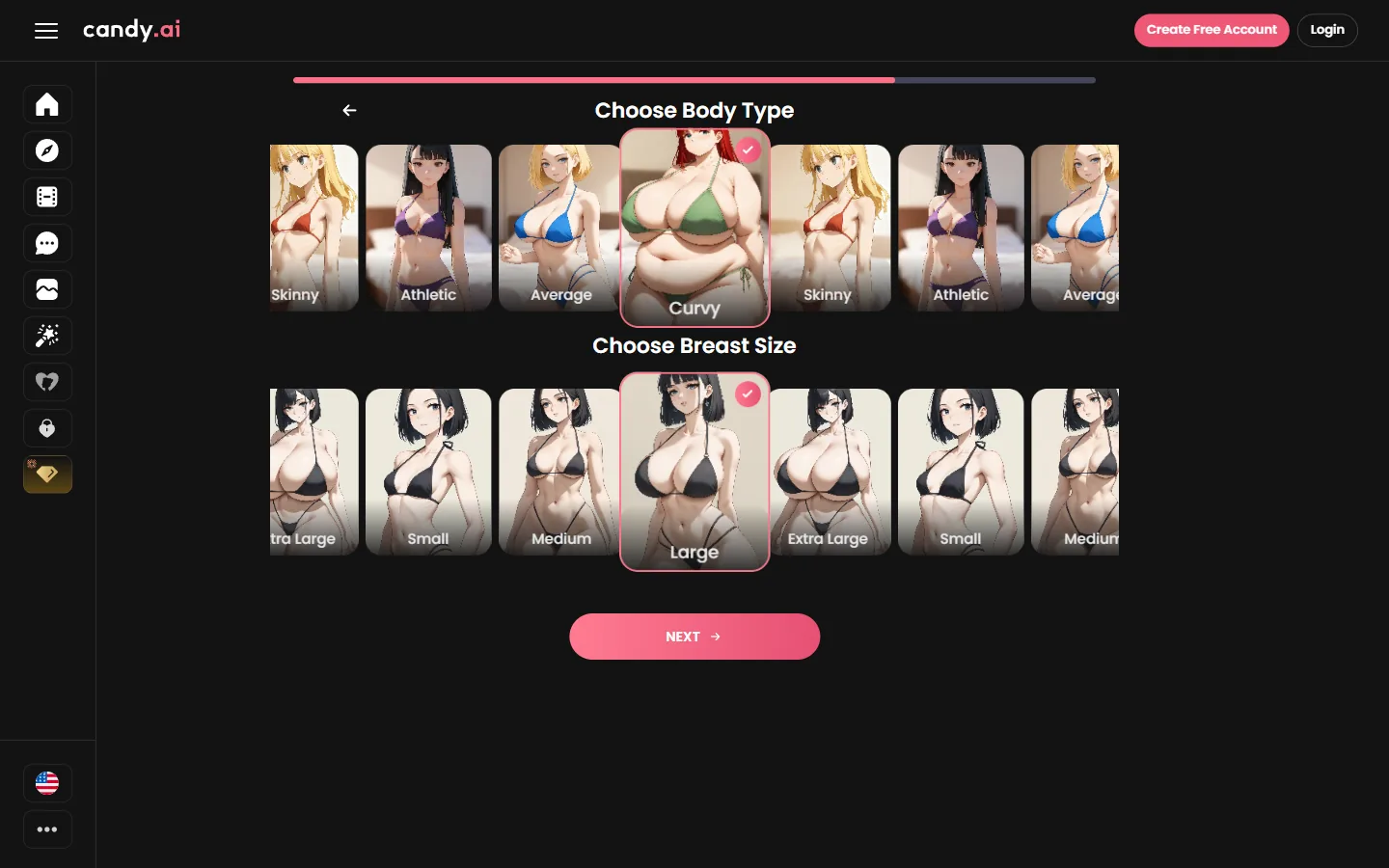
Athletic, Average, Curvy or Skinny, then the breast size. We went with Curvy.
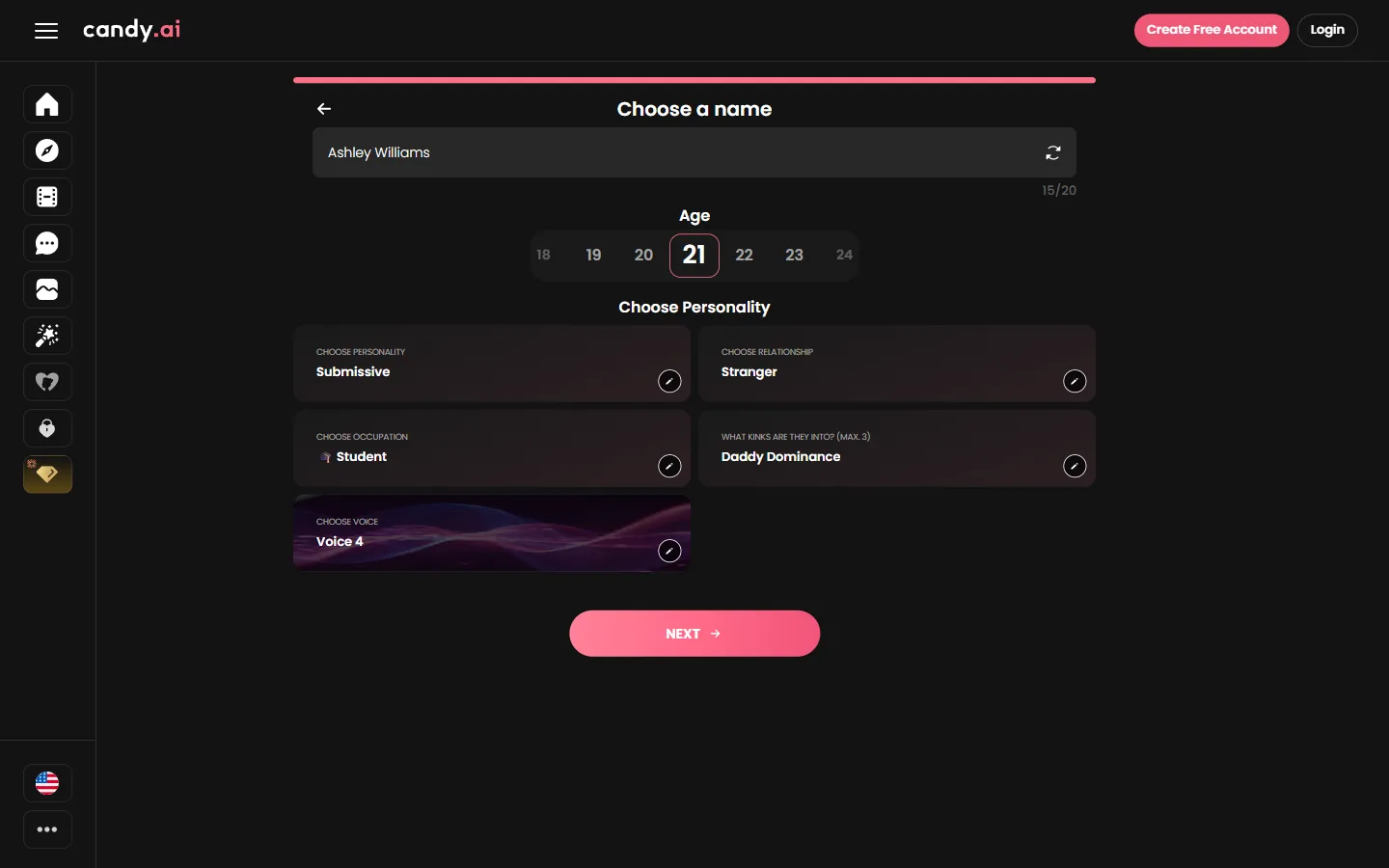
Type a name and pick an age from the row of buttons; choose 21 or older. We kept the suggested name for the test.
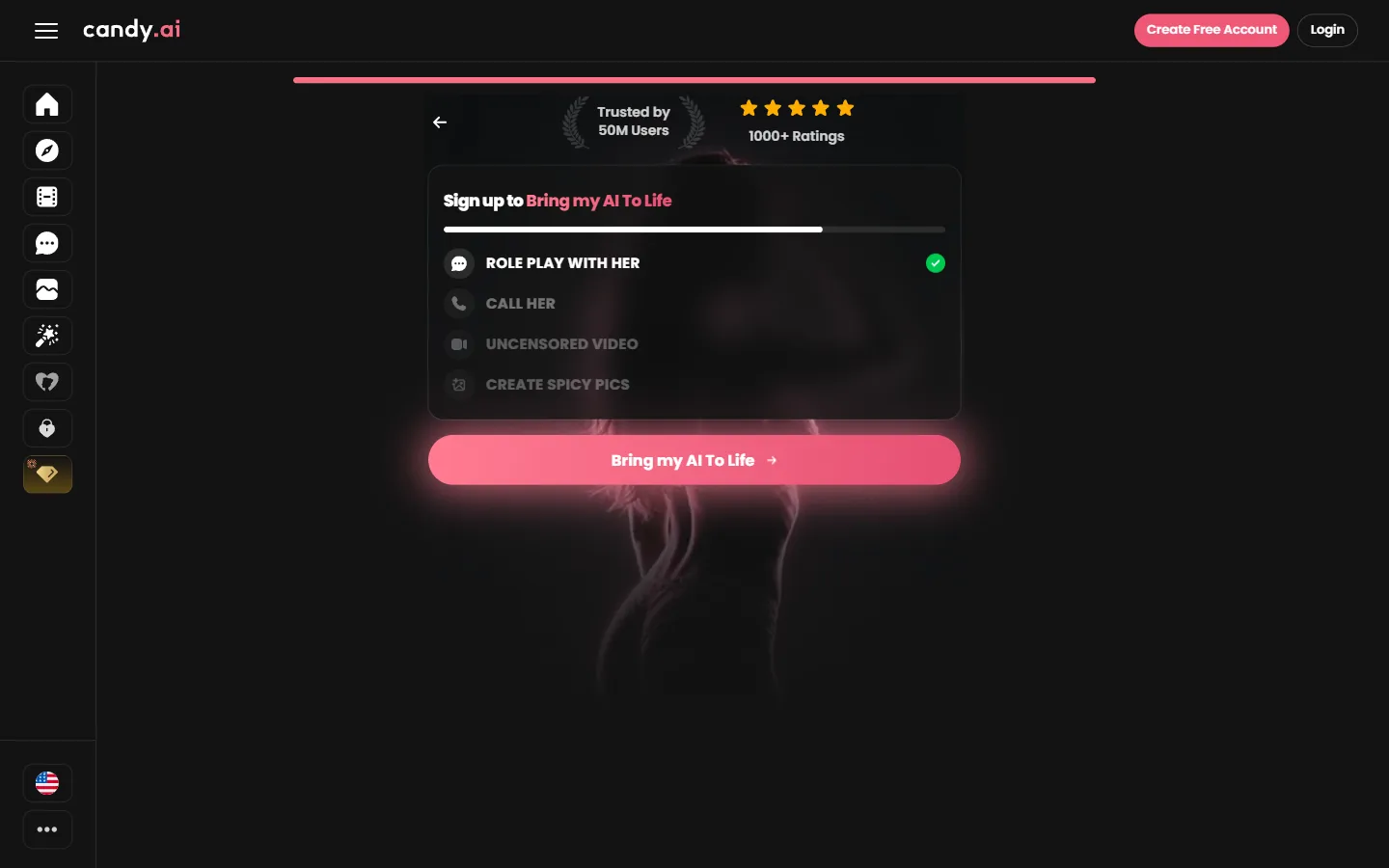
Candy shows a summary of your choices and asks you to sign up. On a Premium account, Bring my AI to Life uses 10 tokens and opens her profile with the portrait.
 Open Candy's builder
| What | Cost |
|---|---|
| Browsing and chatting with Anime tab characters | Free |
| Bringing your character to life | 10 tokens |
| Premium, 12 months | 3.99 EUR/mo |
| Premium, 1 month | 9.99 EUR then 13.99 EUR |
Euro prices as shown from Europe. Premium includes 100 tokens a month, images, videos and unlimited messages.
You can click through the builder, but creating your own characters is a Premium benefit and the last step uses 10 tokens.
Candy shows a row of age buttons on the name screen; pick 21 or older for an adult character.
Yes, the result page has a Change Face option and lets you edit the choices from the summary.
Prefer to start from a ready-made character? Candy's Anime tab is free to browse.
Open Candy's builder Try OurDream free, 55 coins included
Our number one pick gives you 55 coins at sign-up, no card needed. Build your own anime girlfriend in six steps.
Open OurDream