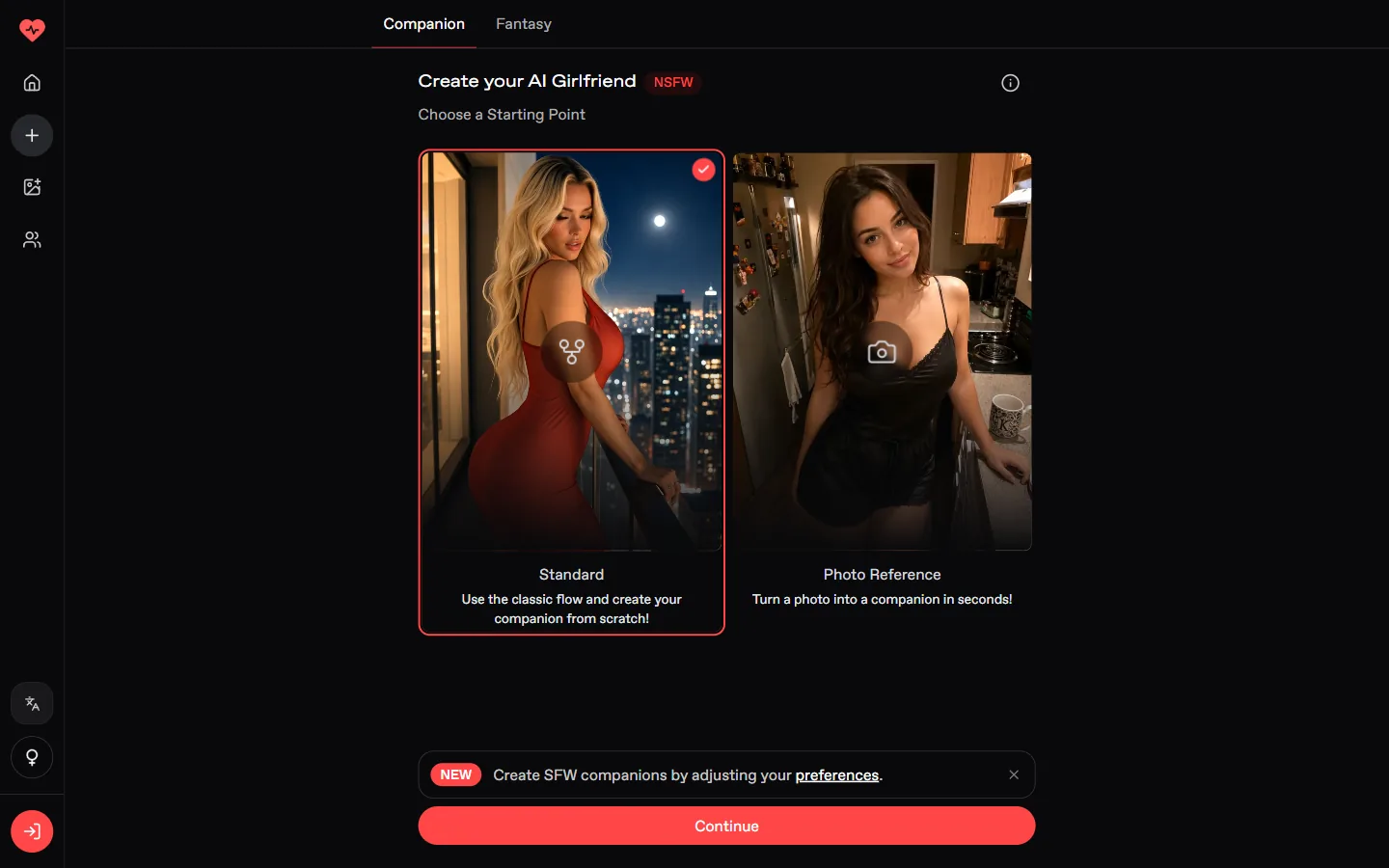
We built Sylvaine, a 26 year old elf archivist, with Nectar's free builder. It takes five screens, and the result card lets you fix anything afterwards, including her age.
Choose Standard, then Anime, a race such as Elf, hair and eyes, body and a personality. On the result card set her age to 21 or more (the default is 18) and reroll the look before you start chatting.
Nectar offers two starting points: Standard, built from scratch, and Photo Reference. Pick Standard and continue; you will be asked to sign in with your email.
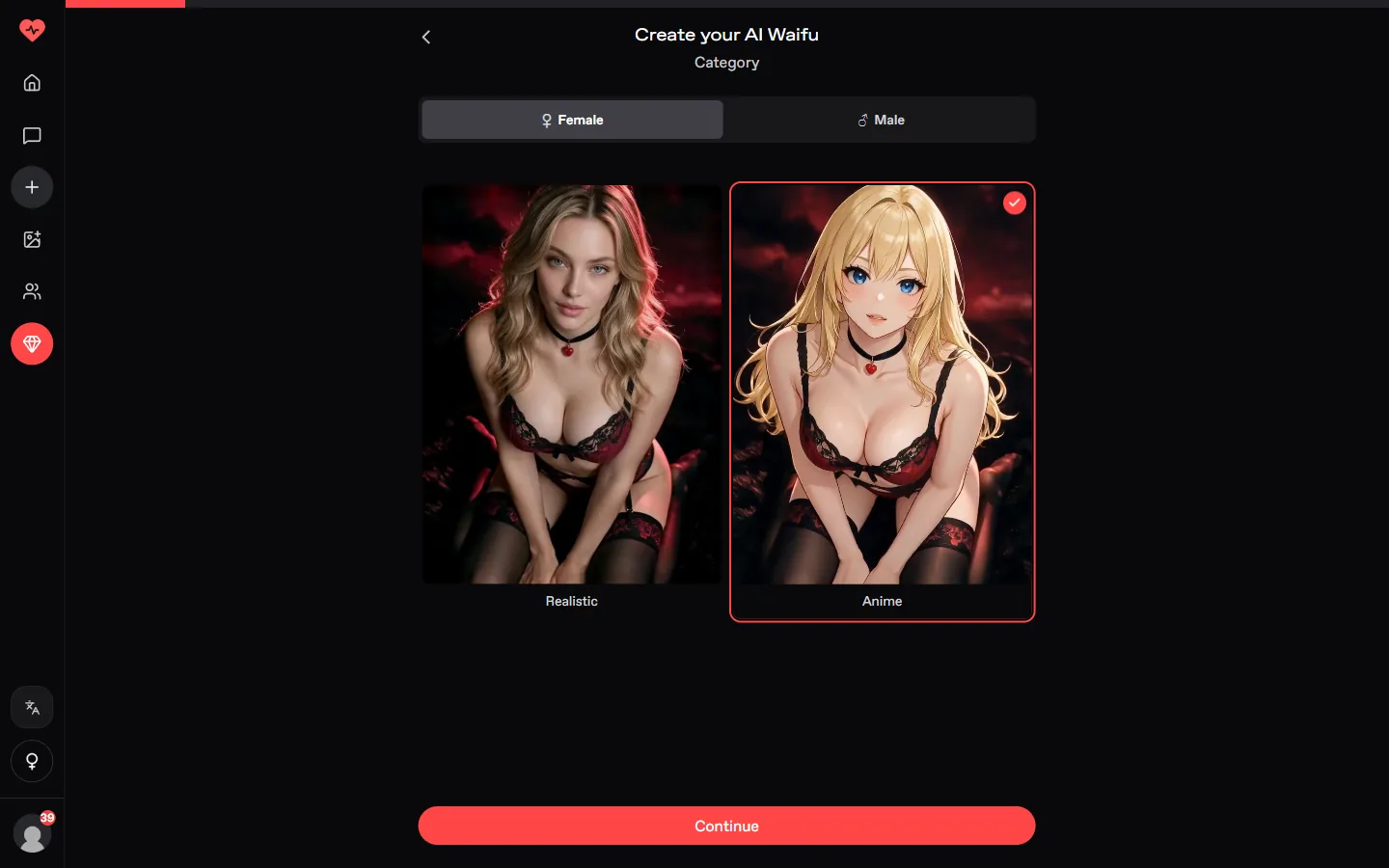
On the Category screen select Female and the Anime card. The title changes to Create your AI Waifu.
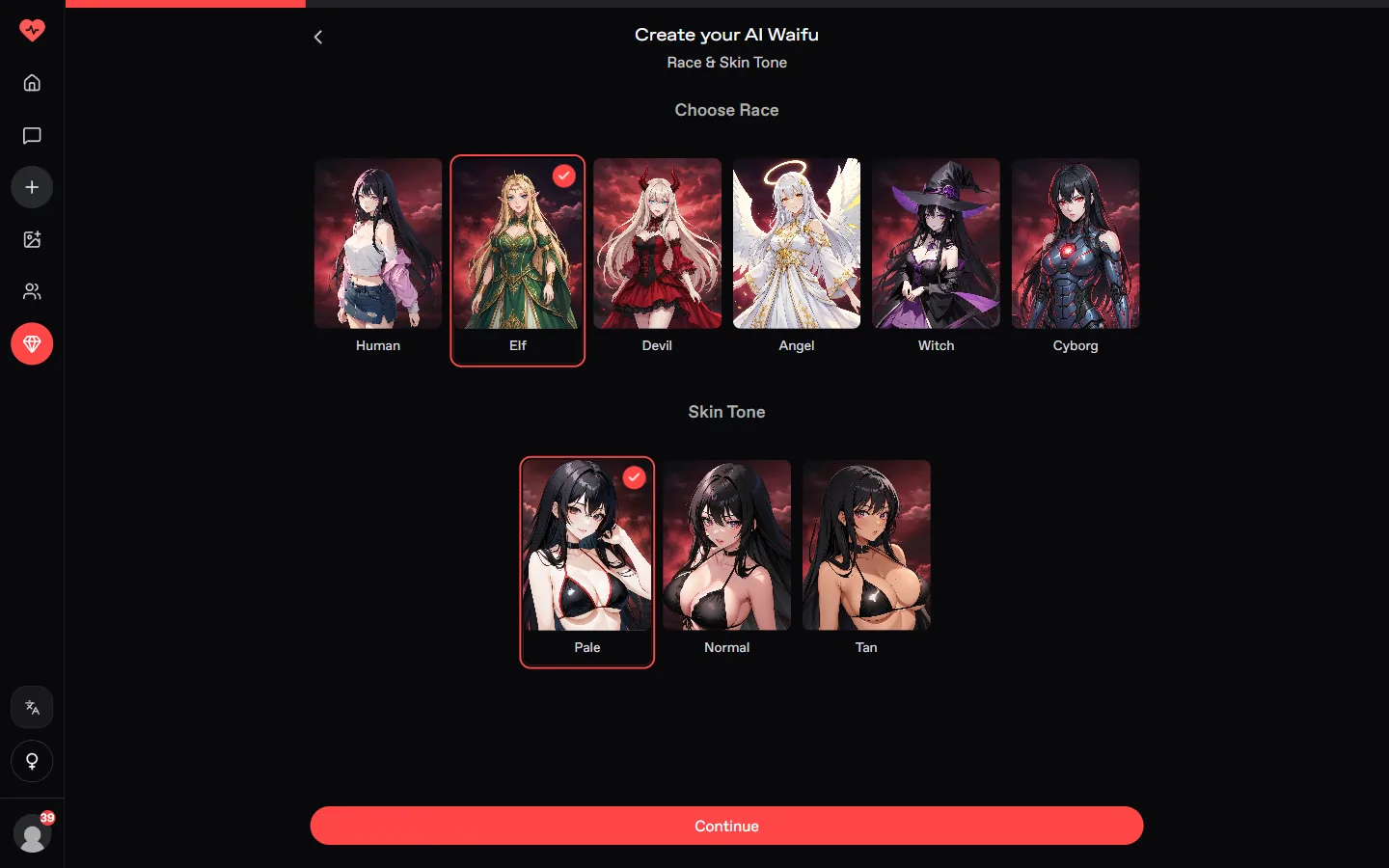
Human, Elf, Devil, Angel, Witch or Cyborg, then a pale, normal or tan skin. We picked Elf.
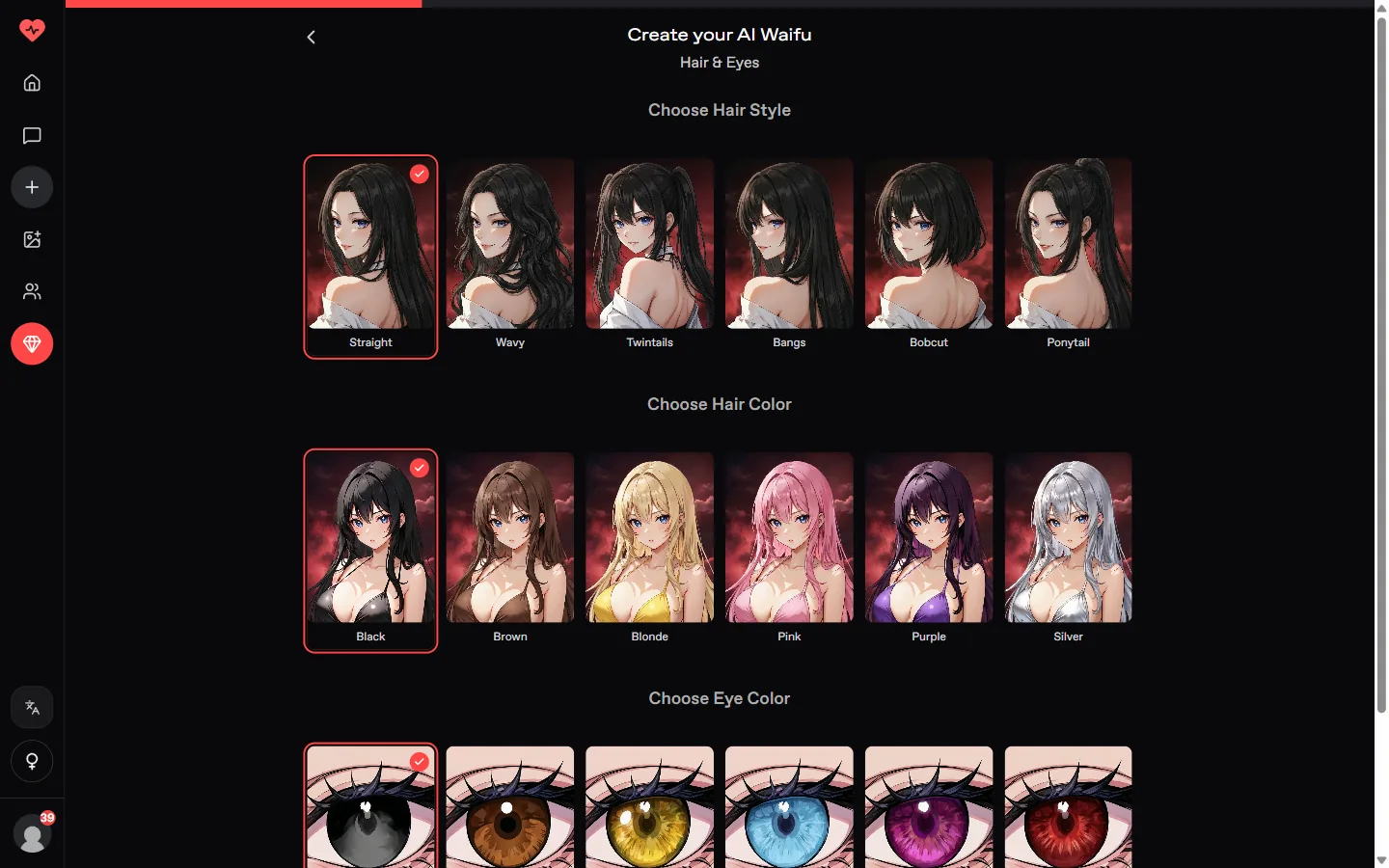
Six hair styles including twintails and bobcut, six hair colors including silver and pink, and six eye colors.
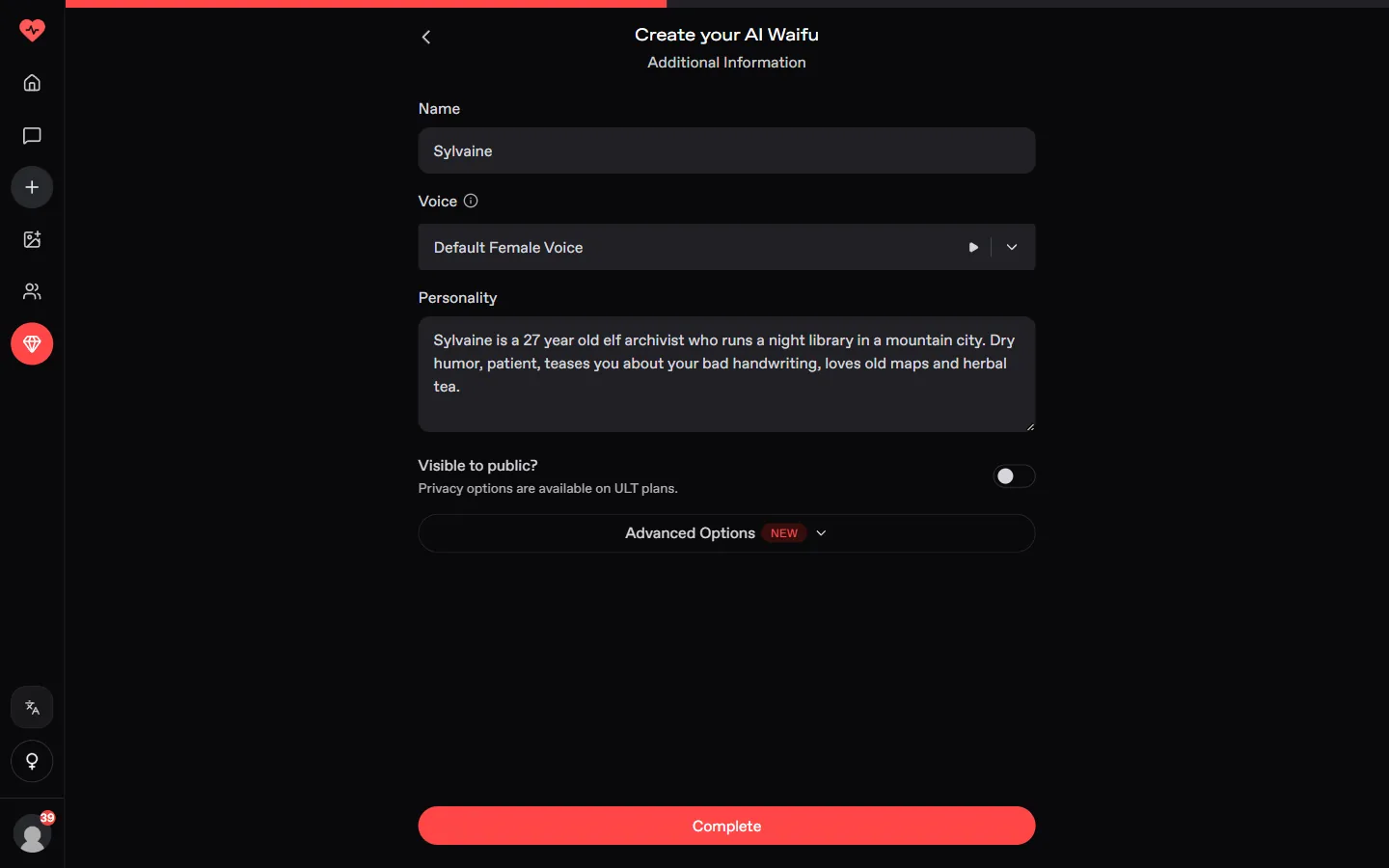
Choose Athletic, Hourglass or Curvy, then write her name, voice and personality. We wrote: elf archivist who runs a night library, dry humor, loves old maps.
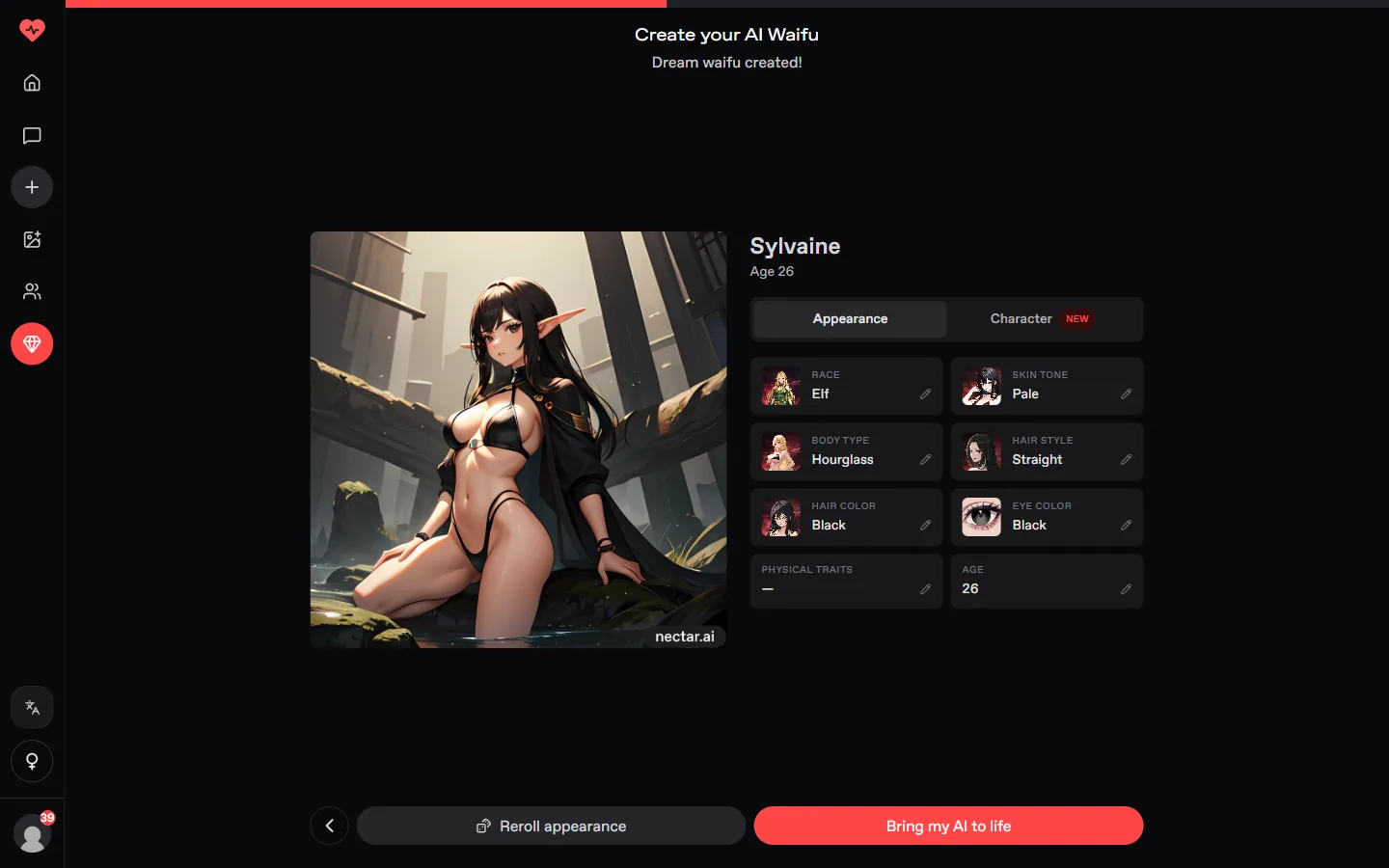
The result card shows every choice with a pencil. Set the age to 21 or more, change the body type if needed, use Reroll appearance, then Bring my AI to life to open the chat.
 Build on Nectar AI
| What | Cost |
|---|---|
| Building a character | Free |
| First messages and 1 photo | Free |
| Ultimate, yearly | 4.99 USD/mo (59.99 USD a year) |
| Ultimate, monthly | 12.99 USD |
Nectar shows prices in US dollars. Ultimate adds unlimited messages, 5,000 credits a month, long-term memory, video and calls.
Yes. Building costs no credits; a free account keeps one character and a few free messages.
18 is the default on the result card. Use the pencil on Age to raise it; we set Sylvaine to 26.
Yes. The race step offers Elf, Devil, Angel, Witch and Cyborg next to Human.
Elf, angel or cyborg: build yours for free on Nectar AI.
Build on Nectar AI Try OurDream free, 55 coins included
Our number one pick gives you 55 coins at sign-up, no card needed. Build your own anime girlfriend in six steps.
Open OurDream